ProTimer
A downloadable tool for Windows, macOS, and Linux
⏱️ ProTimer – The Productivity Timer
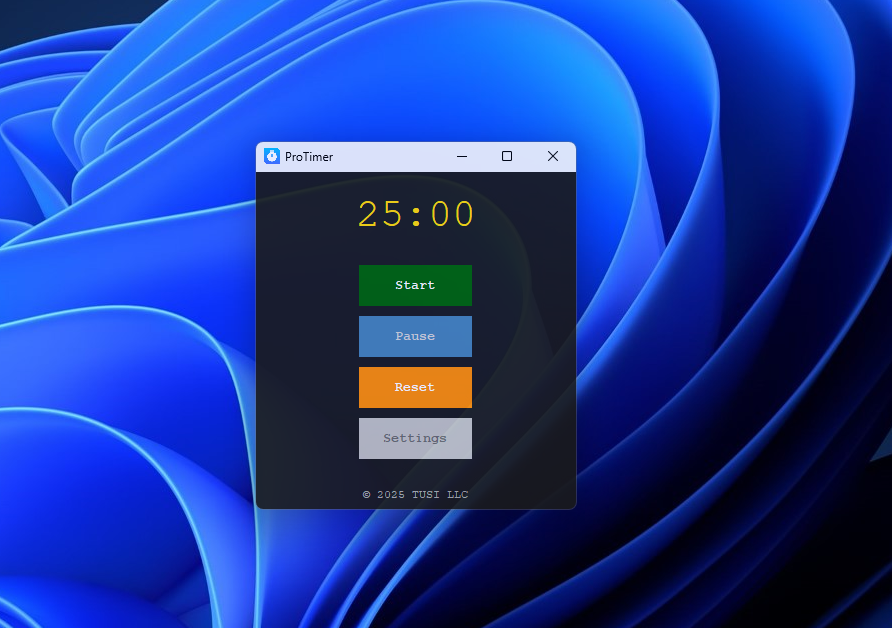
ProTimer is more than just a Pomodoro timer—it's a customizable, open-source productivity tool built to help you stay focused and organized.
By default, it utilizes the well-known Pomodoro Technique, breaking your work into focused intervals followed by short breaks. This structured method helps boost productivity, reduce burnout, and improve time management.
💡 Features:
- Simple, user-friendly interface
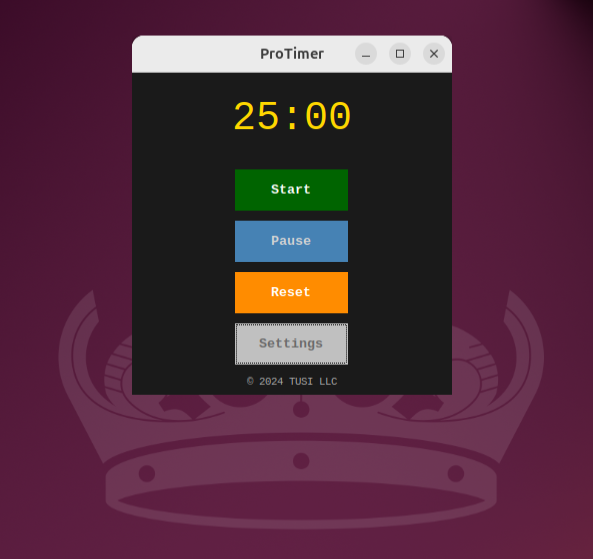
- Start, pause, and reset controls
- Auto-switching between work and break intervals
- Fully customizable session durations
- Lightweight and open-source
Whether you're working, studying, or just trying to manage your time better, ProTimer gives you the structure you need with the flexibility you want.
🔗 Check it out on GitHub: github.com/ramizqurbanli/protimer
Download
Install instructions
Windows Installation Instructions (v1.2.0)
- Click the "Download" button below to download the Windows installer (
.exe) file. - Once the download is complete, open your Downloads folder (or the folder where your browser saved the file).
- Double-click the
.exefile to start the installation. - If you see a message from Windows SmartScreen saying "Windows protected your PC", click More Info.
- Then, select Run anyway to begin the installation process.
- Follow the on-screen instructions to complete the installation.
- After installation, launch the app from the Start Menu or search for it in the Windows search bar.
What's New in Version 1.2.0
- Improved installer performance and error handling.
- Added support for newer versions of Windows 10 and Windows 11.
- Updated application features for better compatibility.
Setting Up the Application on Non-Windows OS
If you're using an operating system other than Windows, follow the instructions below:
Step 1: Download the Source Code
- Visit the release page.
- Under "Assets," download either
Source code (zip)orSource code (tar.gz).
Step 2: Extract the Source Code
- Locate the downloaded archive and extract it to a desired folder.
Step 3: Install Required Modules
- Open a terminal and navigate to the extracted source code folder.
- Run the following command to install the required modules:
pip install -r requirements.txt
Step 4: Run the Application
- Start the application by running the following command in the terminal:
python main.py
Leave a comment
Log in with itch.io to leave a comment.